 Equinox
A BitTorrent client for Windows: light, fast, no setup
Download it, run it, start downloading. No keys, accounts or servers. A window, a tray icon and auto-update, like any ordinary program.
Download for Windows
Features
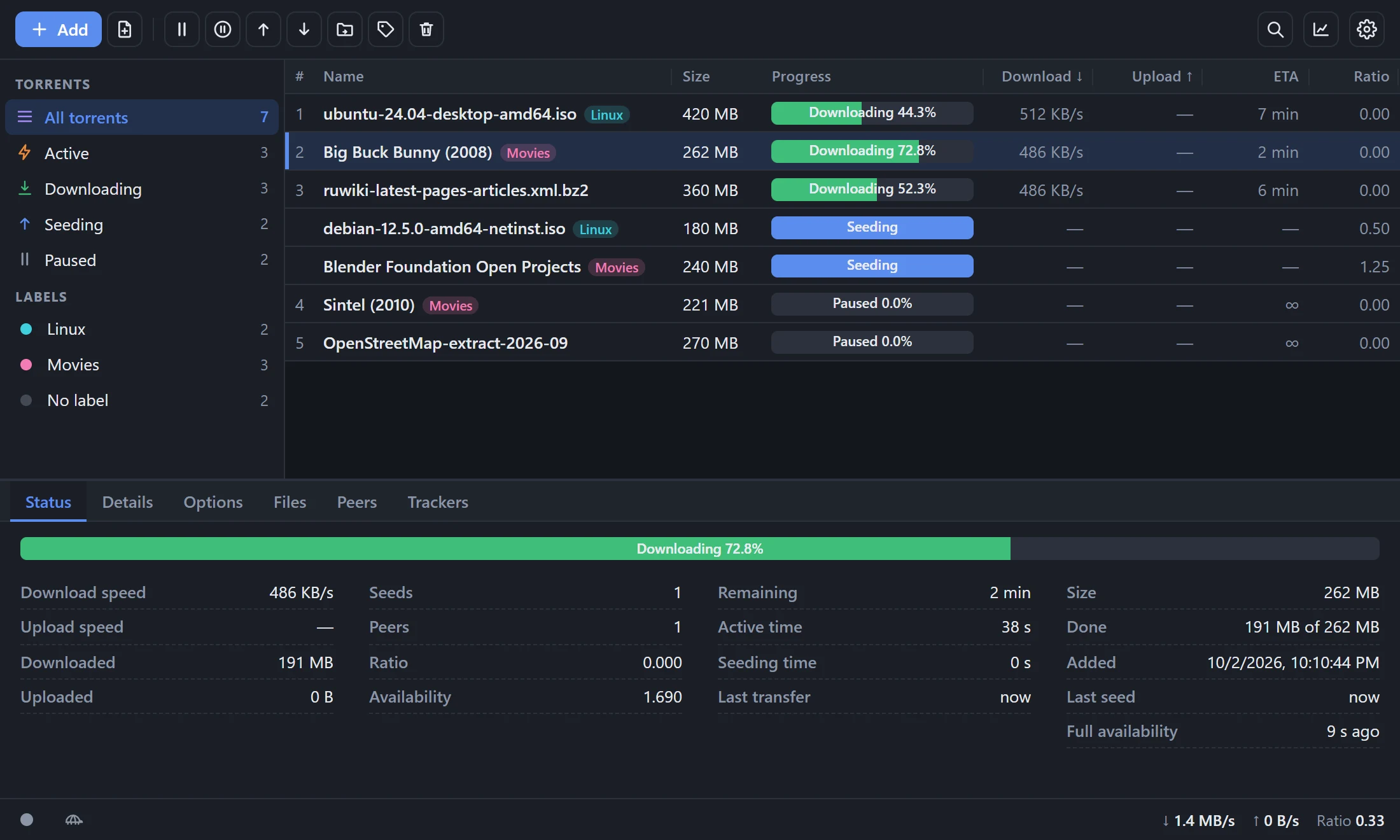
Magnet and .torrent
Add by link, file or drag and drop. Create your own .torrent files, use a watch folder.
Watch while it downloads
Sequential download and a file link for your player: video and music play as they arrive.
Queues and limits
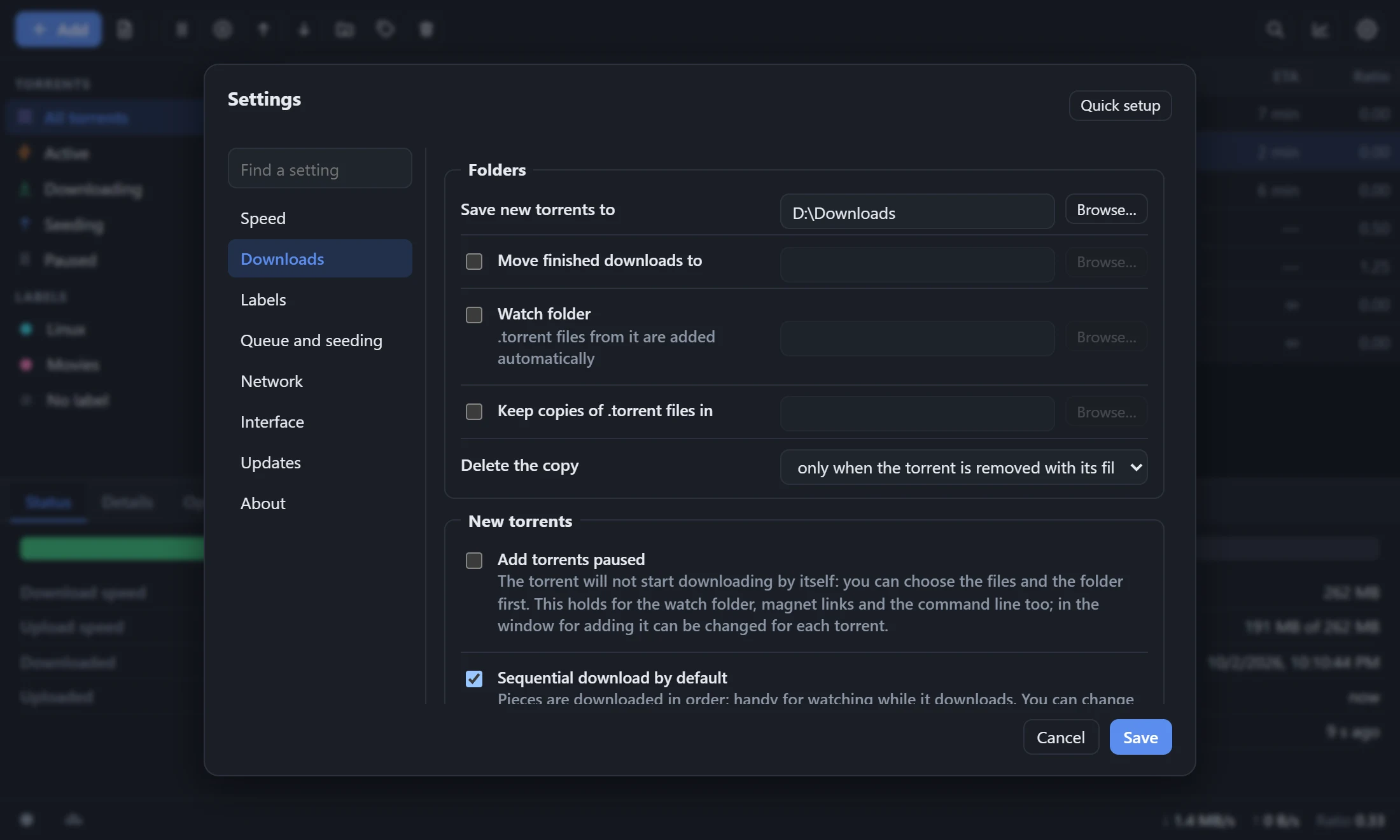
Download queue, speed limits, a scheduled "turtle" mode, ratio and seeding-time limits.
Networking
UPnP / NAT-PMP port mapping, DHT, PEX, uTP, encryption, IPv6.
Order in the list
Labels with folders and colors, search, filters, configurable columns, dark and light themes.
Lives in the tray
Live speed and counters in the tray menu, autostart, auto-update with a checksum check.
Settings
Install
Equinox-Setup-…exe | Installer. Installs for the current user, no administrator rights needed. | site · GitHub |
Equinox-pc-…zip | Portable version: window and tray, no installation. | site · GitHub |
Equinox-server-…zip | Windowless version: the interface opens in a browser. | site · GitHub |
Requires Microsoft Edge WebView2 Runtime (included in Windows 11 and most Windows 10). Builds are unsigned, so SmartScreen may warn on first run: "More info" → "Run anyway".